


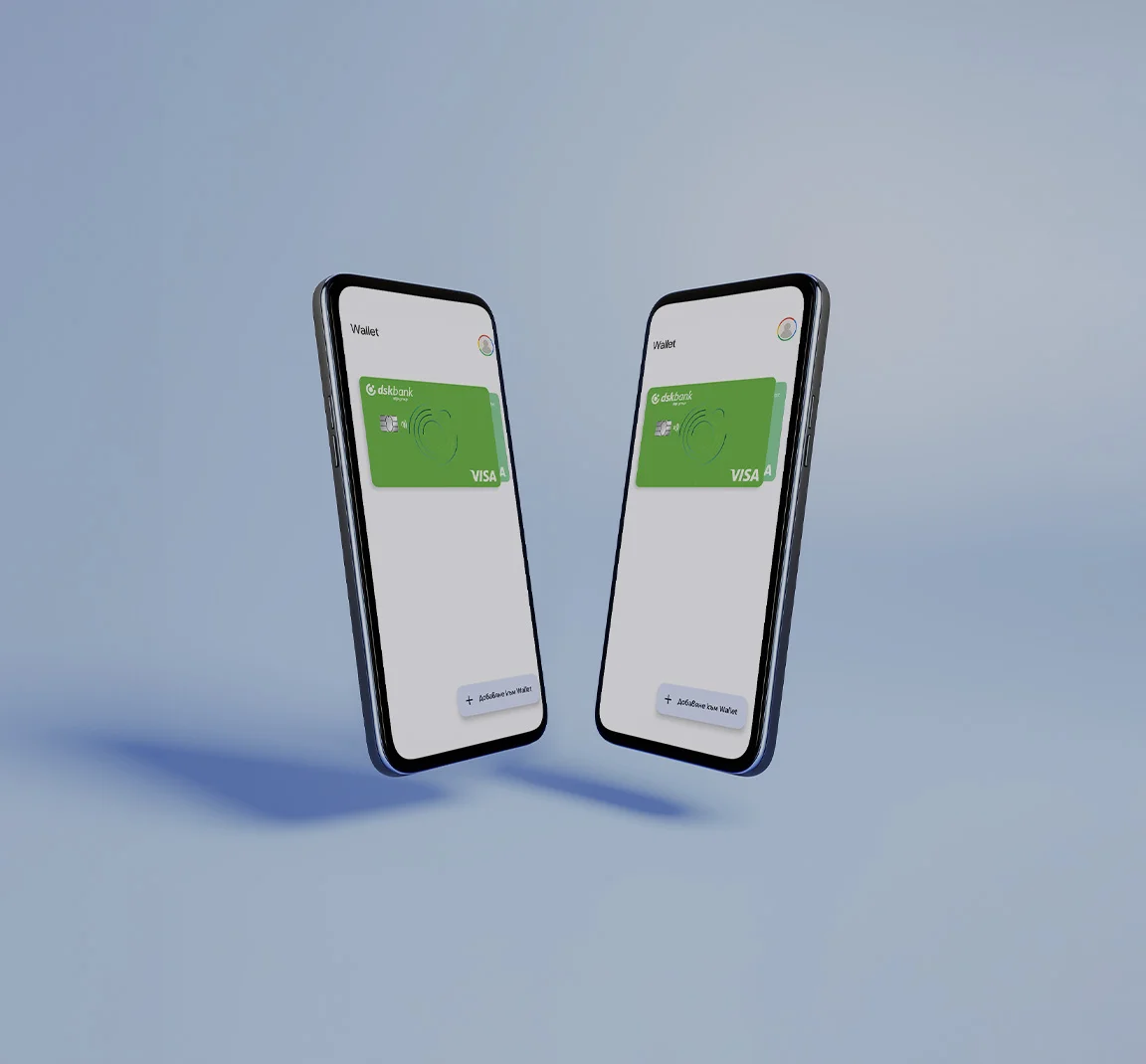
Add your cards to Google Wallet and pay contactless

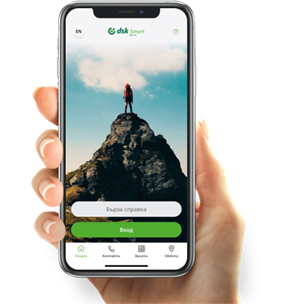
Google Pay in DSK Smart
Google Pay is a digital wallet associated with your Google account.
Now you can add your cards to Google Pay via DSK Smart and pay with Android anywhere in the world! Google Pay can be used in stores, restaurants and online.
It's available for Android and PC - you can use it in many browsers, including Chrome and Firefox.


Make sure your mobile device has an NFC contactless payment feature and it's enabled

Download the latest version of the DSK Smart app from Google Play

If you have not activated your DSK Smart mobile banking, you can do so in a few easy steps
If you don't use DSK Smart, you can also add your cards directly through Google Wallet:
Make sure you have a registered phone number to get a 3D password
Open Wallet App
Select the "+ Add to Wallet" button from the bottom right corner
Enter the card's details
Agree to the "Terms and Conditions"
A screen is displayed where you are required to contact our Contact Center to identify yourself. You can skip this step if you directly verify your card HERE.
