Add your cards to Apple Wallet and pay contactless with your phone

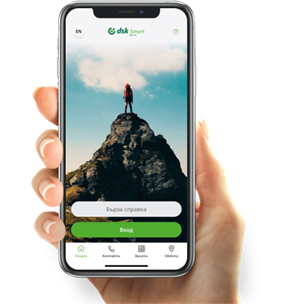
Apple Pay by DSK Bank
Pay for everything with Apple Pay on your phone.
Now you can add your Visa or Mastercard® cards from DSK Bank to Apple Wallet via DSK Smart and take advantage of convenient and secure contactless payments.

If you don't use DSK Smart, you can also add your cards directly through Apple Wallet:
Make sure you have a registered phone number to get a 3D password
Open Wallet App
Select "+" symbol from the upper-right corner
Scan your card or enter the required data manually
Agree to the "Terms and Conditions"
A screen is displayed where you are required to contact our Contact Center to identify yourself. You can skip this step if you directly verify your card HERE
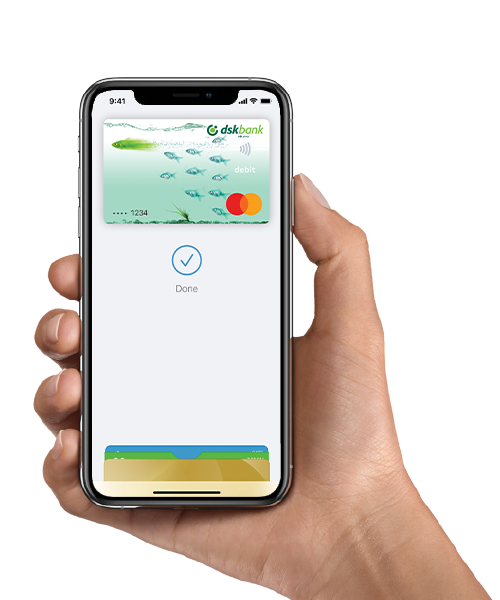
Make sure you have a registered phone number to get a 3D password for the specific card. If you do not have a registered phone number for a 3D password of the card, you need to register one through one of the following channels:
- through DSK Direct, through the use of a software token or other means of signing;
- through the Contact Center, by signing documents through signature of Eurotrust;
- in DSK Bank's office.
Pay for everything with Apple Pay:
With your iPhone, Apple Watch or iPad at any store or online retailer where you see one of the following two symbols: