Turn your goals into reality

What are Pockets?
Pockets are a new and convenient way to organize your savings in DSK Mobile. Save with no fees and access your money whenever you need it.
Save easily with Pockets in DSK Mobile
Create Pockets for your savings goals and track your progress as every amount you save brings you closer to reaching them.

Why save with Pockets?
- Create up to 10 Pockets for your different savings goals
- Personalize each Pocket with a name, icon and target amount
- Access your money whenever you need it
- Manage all your Pockets in DSK Mobile and DSK Online
How to create a Pocket

1. Create a Pocket
Go to the “Products” menu and select “Create a Pocket”.

2. Choose a name and icon
Name your savings goal and choose the icon that best represents it.

3. Set an amount and date
Decide how much you want to save and by when.
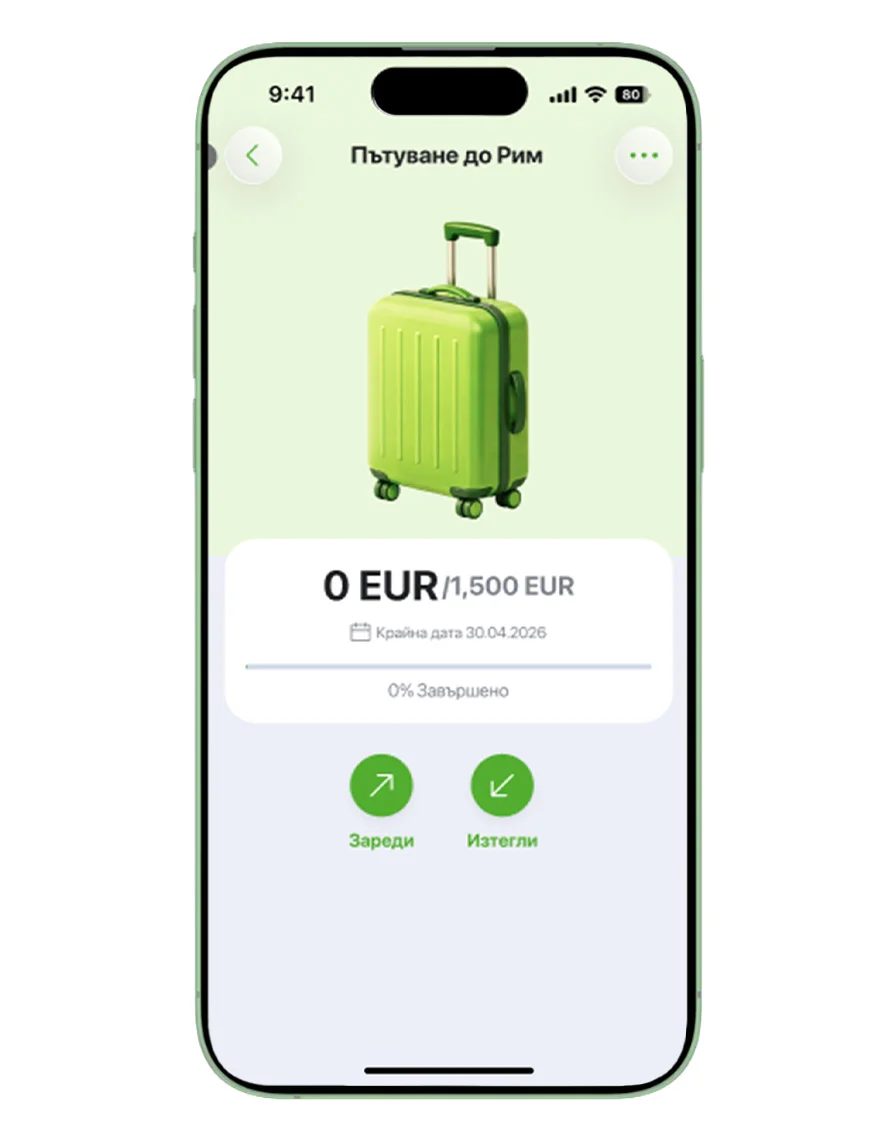
4. Start saving
Add money to your Pocket from your current account or savings account.
Have questions?
No. Pockets are free of charge, with no fees for opening, maintenance or transactions.
You can create up to 10 Pockets.
You can easily add money at any time from your current or savings account in DSK Mobile.
Yes. You can transfer the money back to your current or savings account at any time.
Yes. You can delete a Pocket at any time. Before doing so, you need to transfer the money from the Pocket to your current or savings account.
Yes. You can create Pockets and save money in them through DSK Online.